 Puzzle Grove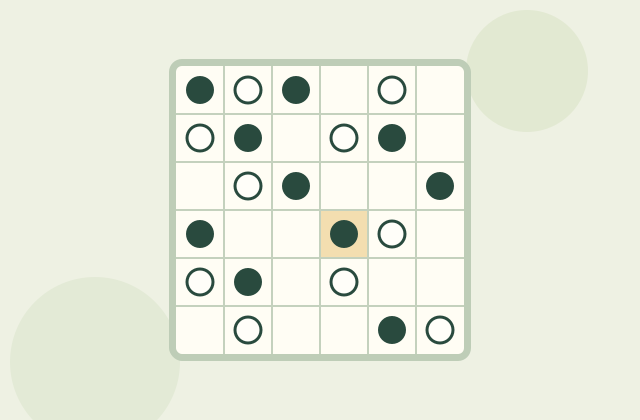
Logic puzzles
Binairo
Two colors, three rules. Balance every row and column while keeping each line different.
The numbers tell you how many squares to fill in each run. Read them in order and leave at least one empty square between runs. A picture appears as you solve.
Loading Nonogram…
SIMPLE TO START
Click or tap squares with Fill, Mark, or Erase selected. Right-click toggles an ×. Keyboard: arrows move, Space fills, X marks, Delete erases, and Z undoes. F, C, and E select a tool.
Each Nonogram saves its squares, marks, selected tool, and up to 200 undo steps in this browser. Switching puzzles keeps separate progress; restarting clears only that puzzle.
An independent Nonogram game. Puzzle Grove created the puzzle pictures, code, and cover. Every included clue set is checked for a unique solution; no third-party puzzle catalog or artwork is copied.
Made by Puzzle Grove.
Two colors, three rules. Balance every row and column while keeping each line different.
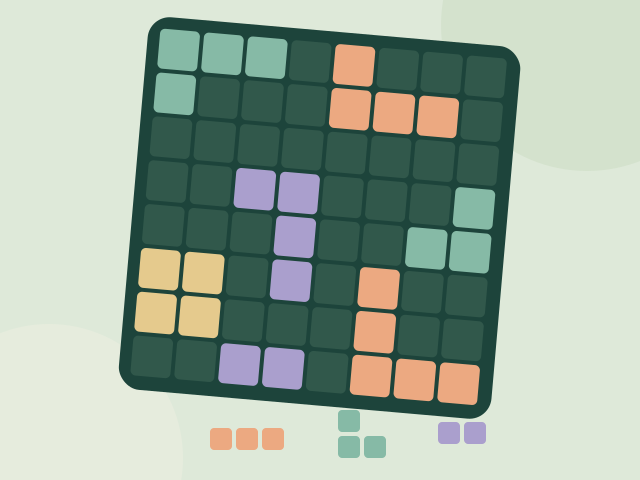
Place blocks on an 8×8 board, clear complete rows and columns, and build your score. There’s no timer—take a moment to plan all three pieces.
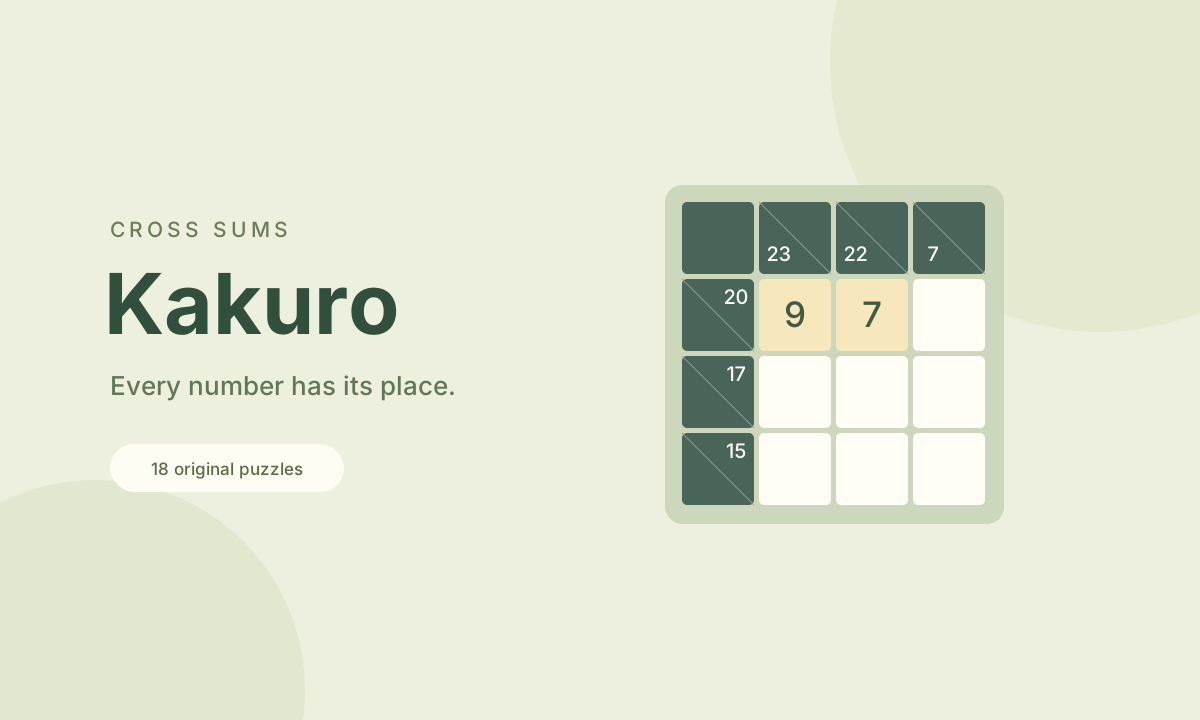
A crossword with numbers. Fill each run to match its sum, without repeating a digit. Keep notes as the possibilities narrow.